 TextImageEdit
Reading text
How to Unblur Text in an Image (and When You Can’t)
How you unblur text in an image depends on one question: do you already know what the words say? If you do, the most reliable fix is to have the text redrawn sharp from the wording you type, rather than asking software to guess letters from blurry pixels. If you do not, a sharpen filter or an AI upscaler can help when the text is only slightly soft, but on small or heavily compressed text they can invent letters that look right and are wrong. And if the text was blurred or pixelated on purpose, treat it as unreadable.
We ran three tests on November 19, 2026 to show what the first approach does on genuinely bad inputs, including one result that did not go to plan.
Three tests on tiny, blurry crops
We cropped short pieces of text from our own fictional graphics, shrank them to between 80 and 160 pixels wide, blurred them and saved them as low-quality JPEGs. Then we typed the known words into TextImageEdit's Unblur text page, which enlarges small images and asks the image model to redraw those exact words sharp in the same style.
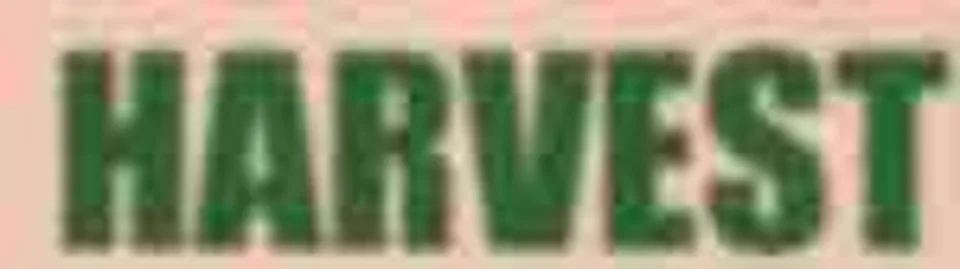
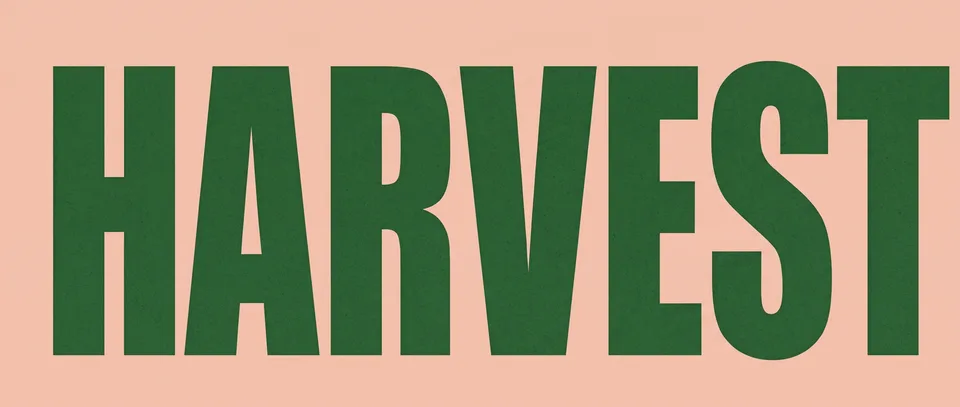
Poster headline, 150 × 42 pixels. HARVEST was soft and blocky. The result came back as crisp heavy condensed capitals in the same green on the same pink paper.
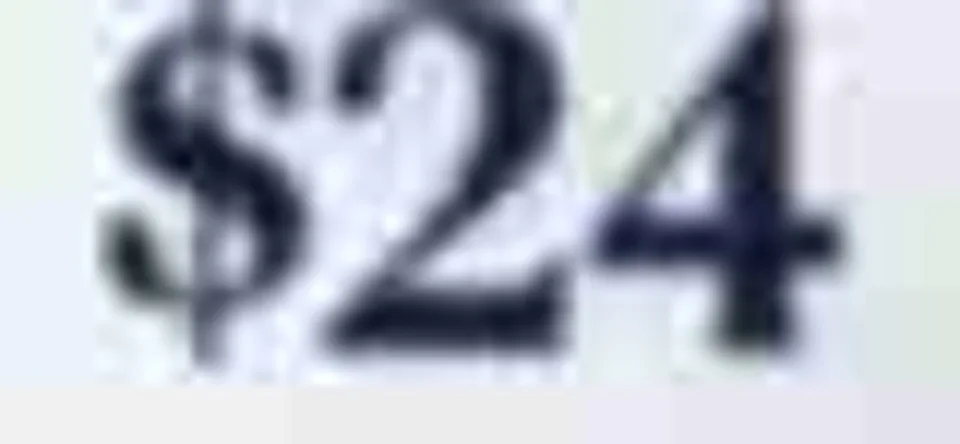
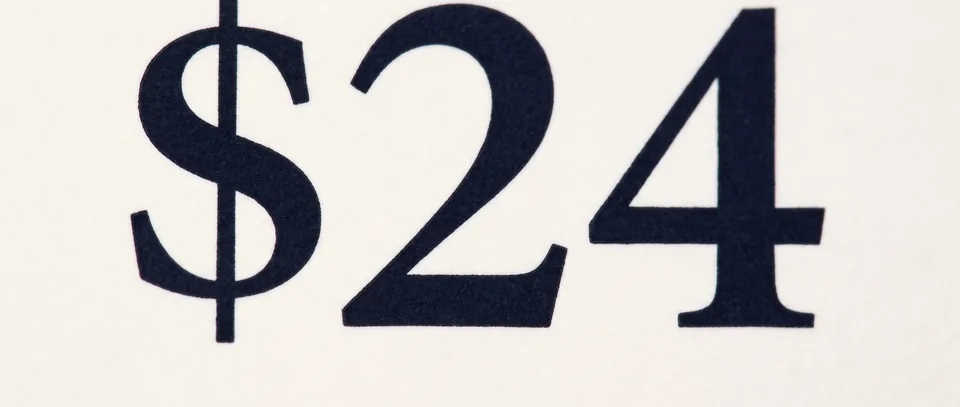
Price label, 80 × 37 pixels. The $24 was full of JPEG blocks. The result kept the navy high-contrast serif style. The faint blue-grey texture behind the price turned into plain cream, which matters if the label has to match the rest of a page.
Ad tagline, 160 × 27 pixels. THIS WEEKEND ONLY came back sharp and spelled correctly, but the rounded cream capitals of the original became condensed silver capitals, and the blurred backdrop stayed blurred. The words are right; the lettering is not the original style.

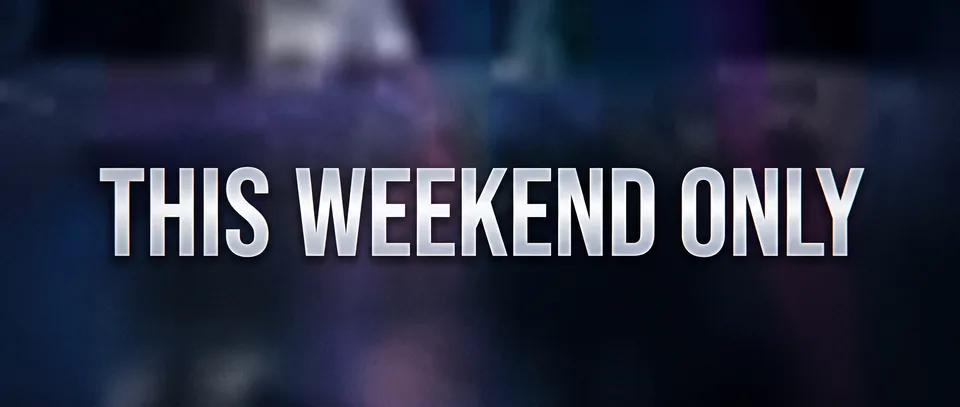
Inputs are crops of our own fictional graphics; outputs are real 2K results from the model and instruction the Unblur text page uses. All three came back in a 21:9 frame because the inputs were very wide, so the background around the text was extended. Full files: HARVEST input and result, price input and result, tagline input and result.
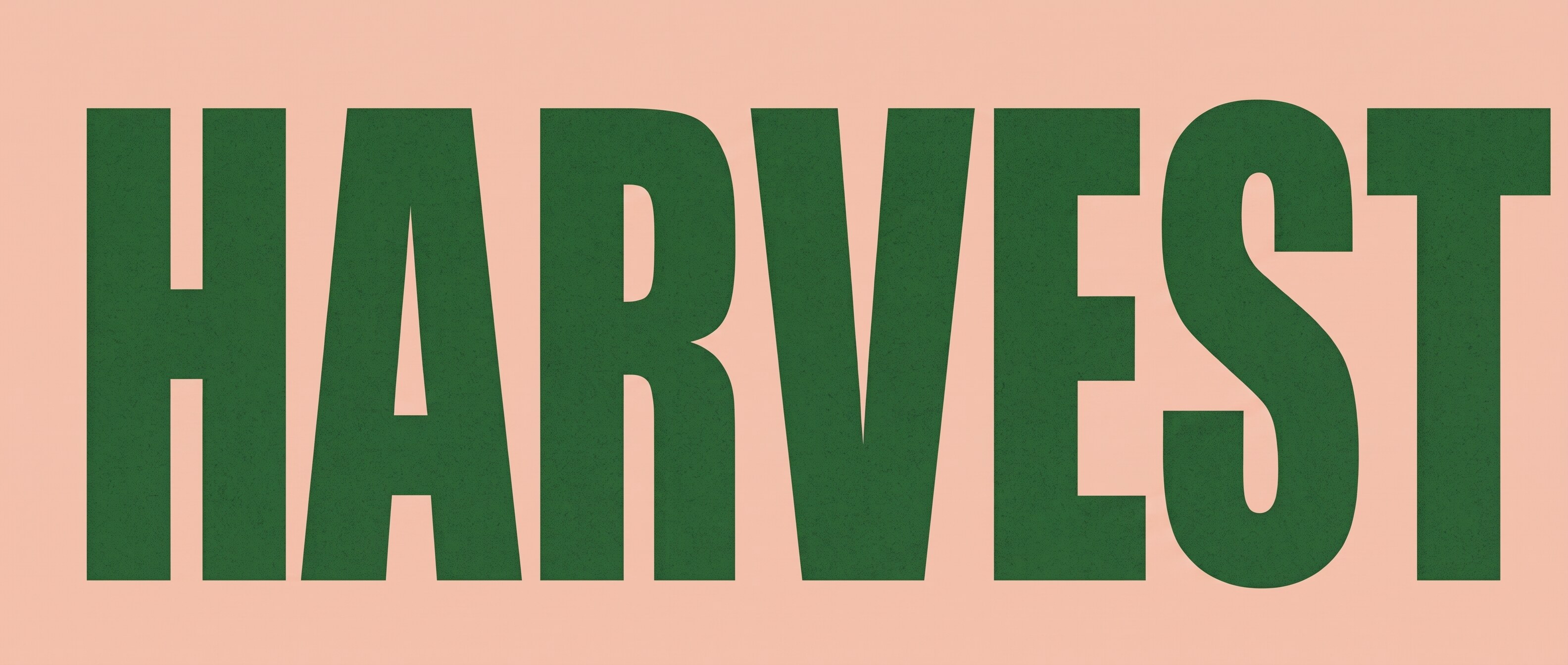

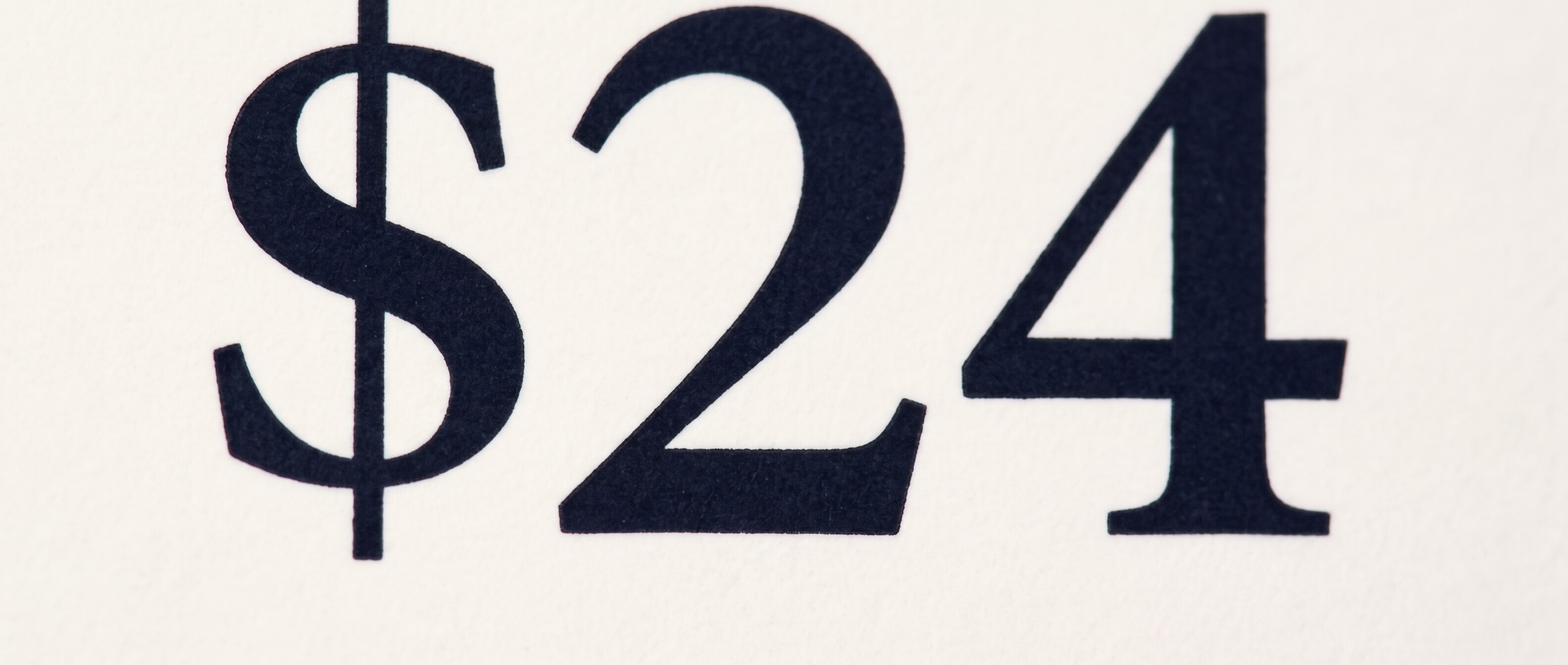

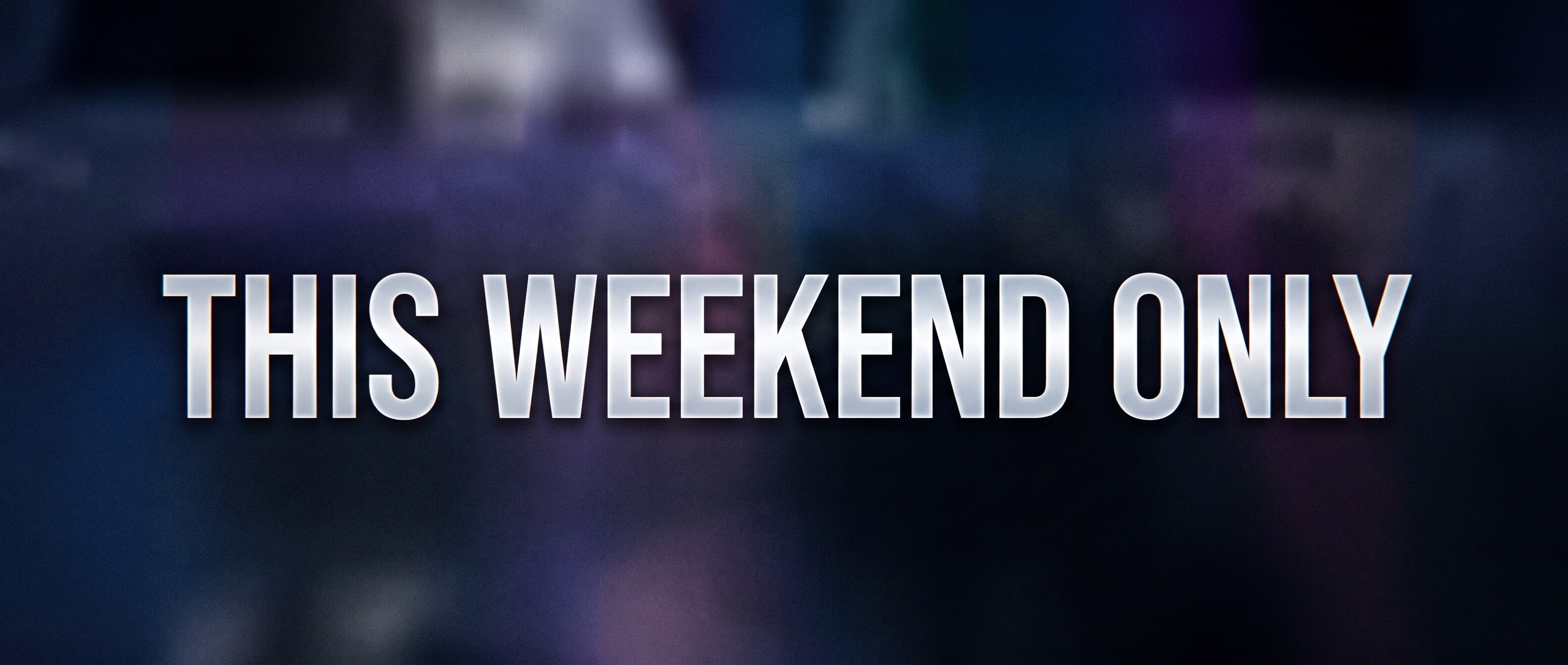
Two out of three kept the style; one changed it. That is the honest picture of redrawing: spelling is reliable because you supplied it, while style and surroundings still need a look.
Why knowing the words matters
A blurry letter is missing information. A 3 and an 8, or an e and a c, can blur into almost the same smudge. Tools that start from the pixels have to choose, and modern AI enhancers choose confidently, so a wrong guess can look perfectly sharp. That is fine for a holiday photo and risky for a price, a phone number or a name.
When you type the wording, the model does not have to decide what the letters are, only how they should look. That is why this approach works on inputs as small as the ones above, and why it is the wrong tool if you are trying to find out what an image says.
Compare the methods
| Method | Works best for | Main risk |
|---|---|---|
| Sharpen or "unsharp mask" filter in a phone or desktop editor | Text that is only slightly soft | Halos and noise; cannot add missing detail |
| AI image upscaler or enhancer | Whole photos that are a little blurry | Invents plausible but wrong letters on small text |
| Redraw known words (Unblur text) | Banners, labels, buttons and titles whose wording you know | Style or background can change; check before use |
| Rebuild in a design file | Graphics you made, with the original font | Takes time; needs the source or the font |
If the image is yours and you still have the design file, re-exporting at a larger size beats every method on this list. If you only need the words, not the picture, ask the person who sent it or check the original page rather than relying on any tool's reading.
Get a better result
- Start from the biggest copy you have. A screenshot of a thumbnail throws away detail. Small inputs are enlarged automatically, but a bigger source still gives better letter shapes.
- Type the wording exactly, including capitals, accents and punctuation, and take it from a reliable source.
- Do one line at a time when the image holds several separate pieces of text, then use Continue editing for the next.
- Compare the style, not just the spelling. As the tagline test shows, the font weight, color or width can change while every letter is correct.
- Check the frame. Very wide or tall images can come back in a different aspect ratio with extended background; crop the result if you need the original dimensions.
Why deliberately blurred text should stay that way
Some people search for ways to see blurred answers on study sites or read redacted screenshots. No tool here can reveal text that was hidden on purpose, and TextImageEdit does not try to. Our acceptable use rules also rule out altering documents, receipts or messages to mislead anyone.
The reverse lesson is useful if you are the one hiding information. Pixelation and blur are weaker than they look: in 2022, Bishop Fox released Unredacter, a proof-of-concept that recovered pixelated text when the font and size were known, and its author concluded that the only secure way to redact text in an image is to cover it with solid black bars. If you are sharing a screenshot with private details, follow our guide to blurring and redacting text in a screenshot and use solid boxes for anything that matters.
Frequently asked questions
Can you unblur text in an image?
Yes, when you know what it says. Type the exact wording and an image model can redraw those letters sharp in the same style and place. Without the wording, tools can only guess from the blurry pixels, and on small text those guesses can be wrong.
What is the best way to unblur text if I do not know the words?
Try a gentle sharpen filter first, then an AI upscaler, and treat the result as a guess. Confirm the wording from another source, such as the original file, the website it came from or the person who sent it, before you rely on it.
Can AI reveal text that was blurred or pixelated on purpose?
You should not rely on it, and TextImageEdit does not attempt it. Deliberate blur and pixelation remove information. Research such as Bishop Fox's Unredacter shows pixelation can leak text under narrow conditions, which is a reason to redact with solid black bars, not a method for reading other people's hidden text.
How do I make a blurry screenshot readable?
If the screenshot is of your own app or page, take a new screenshot at full resolution. If you only have the blurry copy and know the words, use a redraw tool for the important line, then compare the result with the original interface.
Why did my unblurred text change font?
The model redraws the letters in the style it infers from a few blurry pixels. When the original is very small, it can pick a different width, weight or color, as in our tagline test. Use the largest source available and compare the style before you use the result.
Is unblurring text free?
Sharpen filters in phone and desktop editors are free. On TextImageEdit, a new verified account gets one free credit for one edit at 1K; after that each edit uses one purchased credit at 2K, and a failed generation returns its credit automatically.
Sources and method
- Our tests: three crops of our own fictional graphics (150 × 42, 80 × 37 and 160 × 27 pixels), blurred and saved as low-quality JPEGs, then redrawn on November 19, 2026 with the instruction and model the Unblur text page uses, at 2K. Results are shown unedited apart from resizing for the web.
- Bishop Fox, Unredacter: never use pixelation for redaction, February 15, 2022.
- Our guide to redacting text in a screenshot and the acceptable use rules.
Try the workflow
Choose a clear image you can edit, prepare the new wording and compare the downloaded result.
Open Unblur text →