Edit text in image,
keep the same font.

Upload a JPG, PNG or WebP, enter the original and replacement text, and get a 2K image with matching font, color and background.

Drop a photo here

JPG, PNG, WebP · up to 10 MB

By clicking Edit text, you confirm you own or may edit this image and that the edit is not meant to deceive anyone. We refuse IDs, passports, certificates, receipts, invoices, bank records, official seals and edited chat or email screenshots. See Acceptable use.

No image? Try an example

Made for the images you already have.

From a quick typo fix to a full campaign, the job is the same.

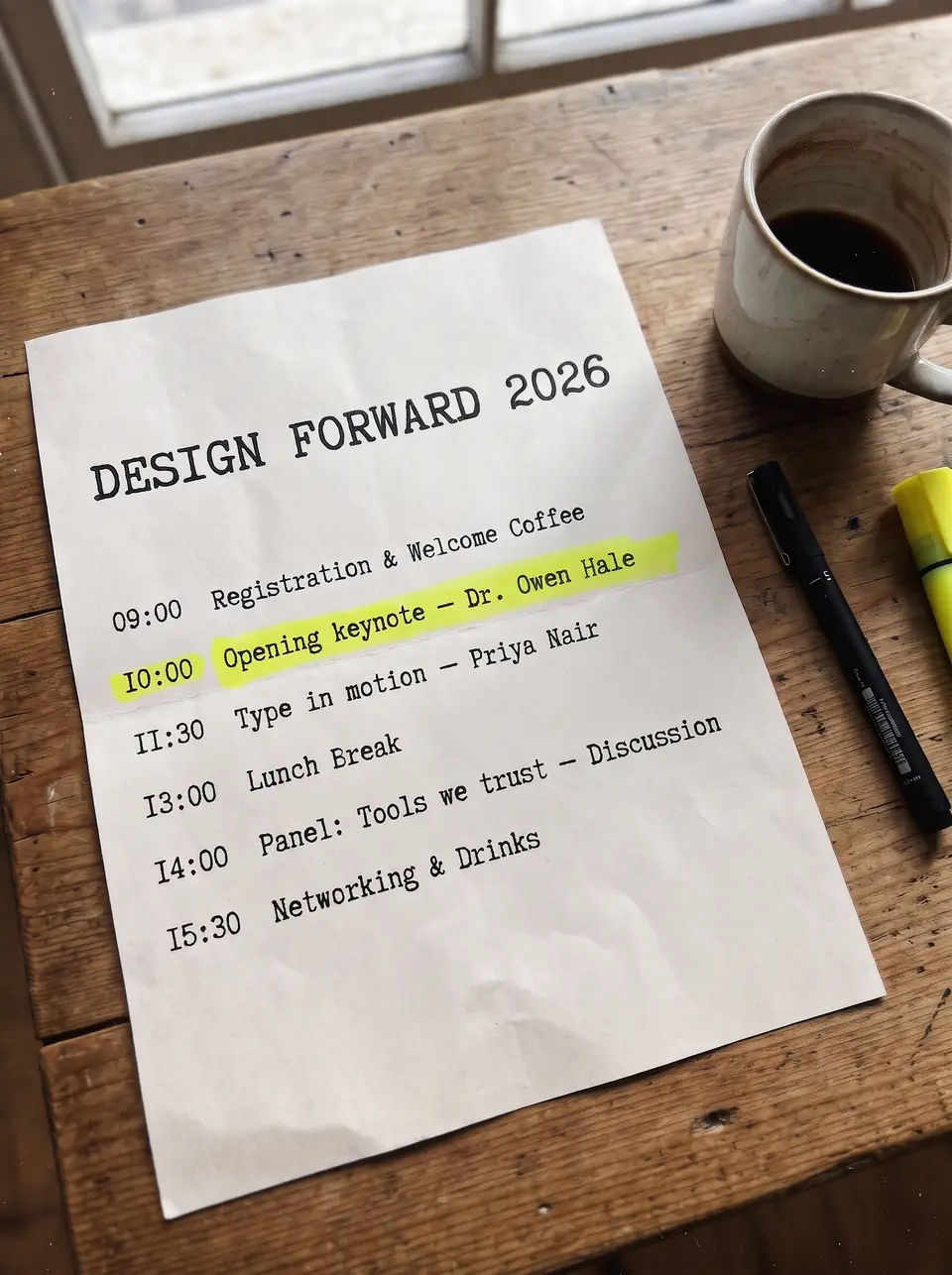
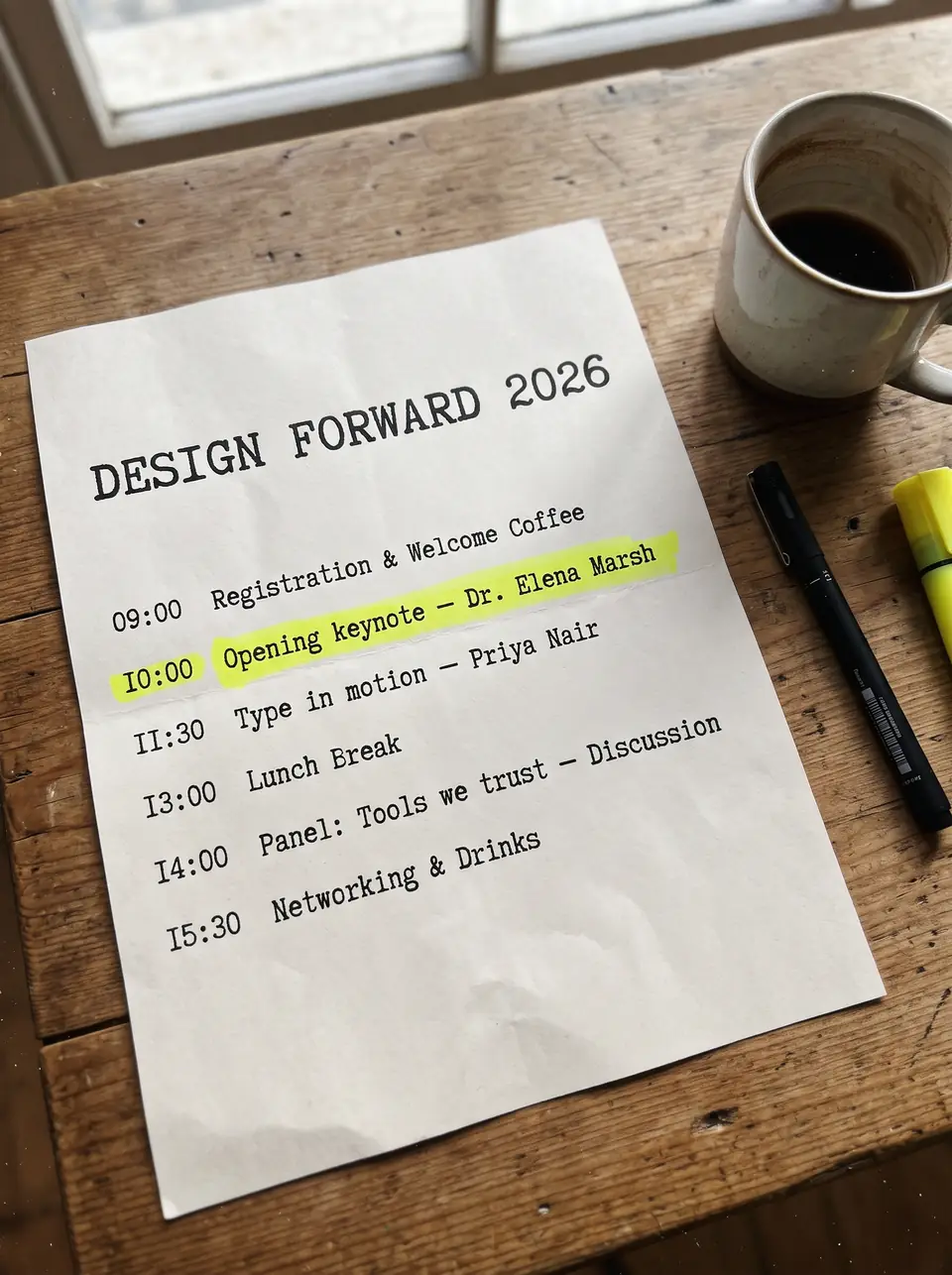
After: "Dr. Owen Hale"Before: "Dr. Elena Marsh"BeforeAfter
Real output · drag to compare

Event programs

Event programs

The keynote speaker dropped out the night before, and the program is already designed and shared as an image. Edit the text in the image right on the finished page: the typewriter type, the yellow highlighter and the paper grain come through untouched. Working from an export with no layers? Editing text in a JPG follows the same steps.

Dr. Elena MarshDr. Owen Hale
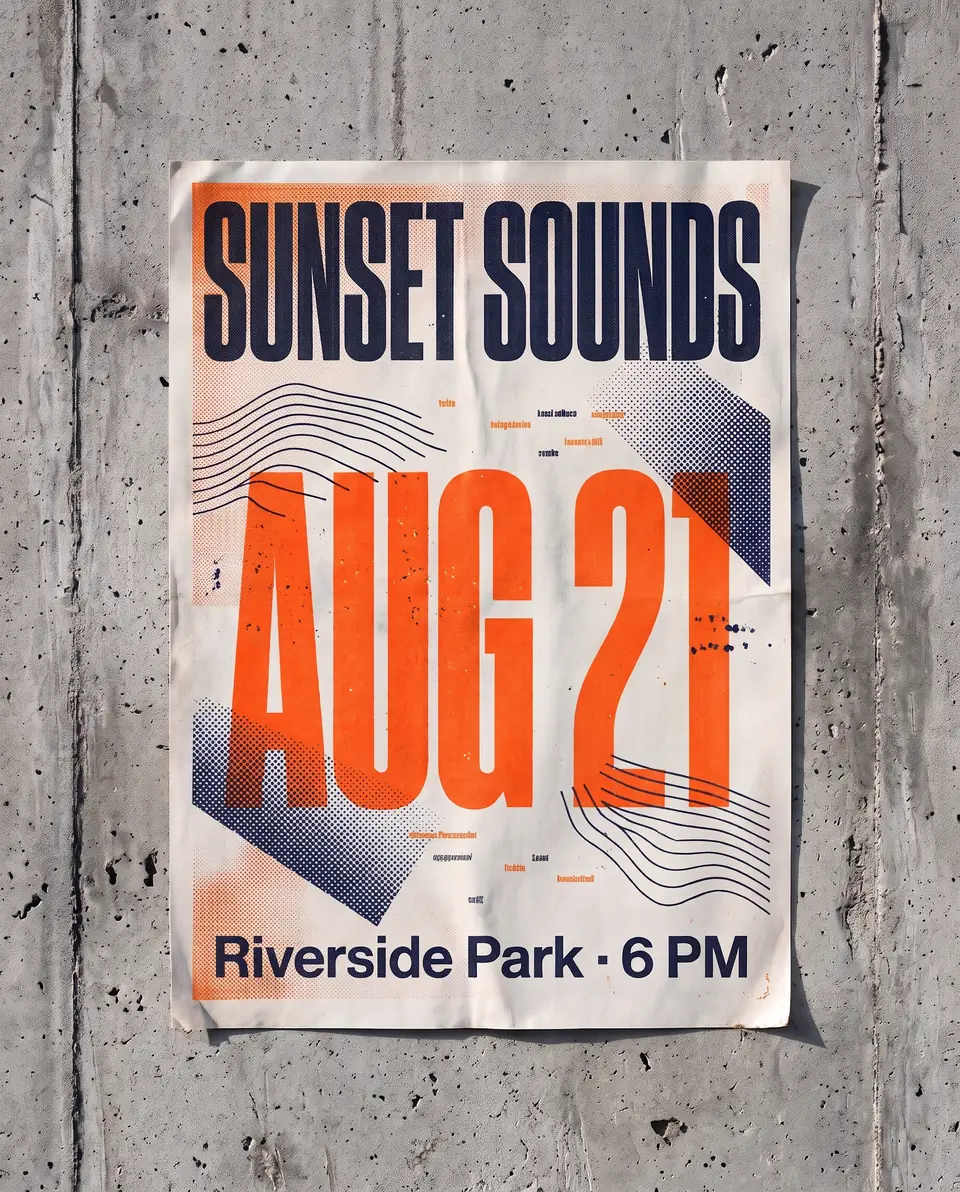
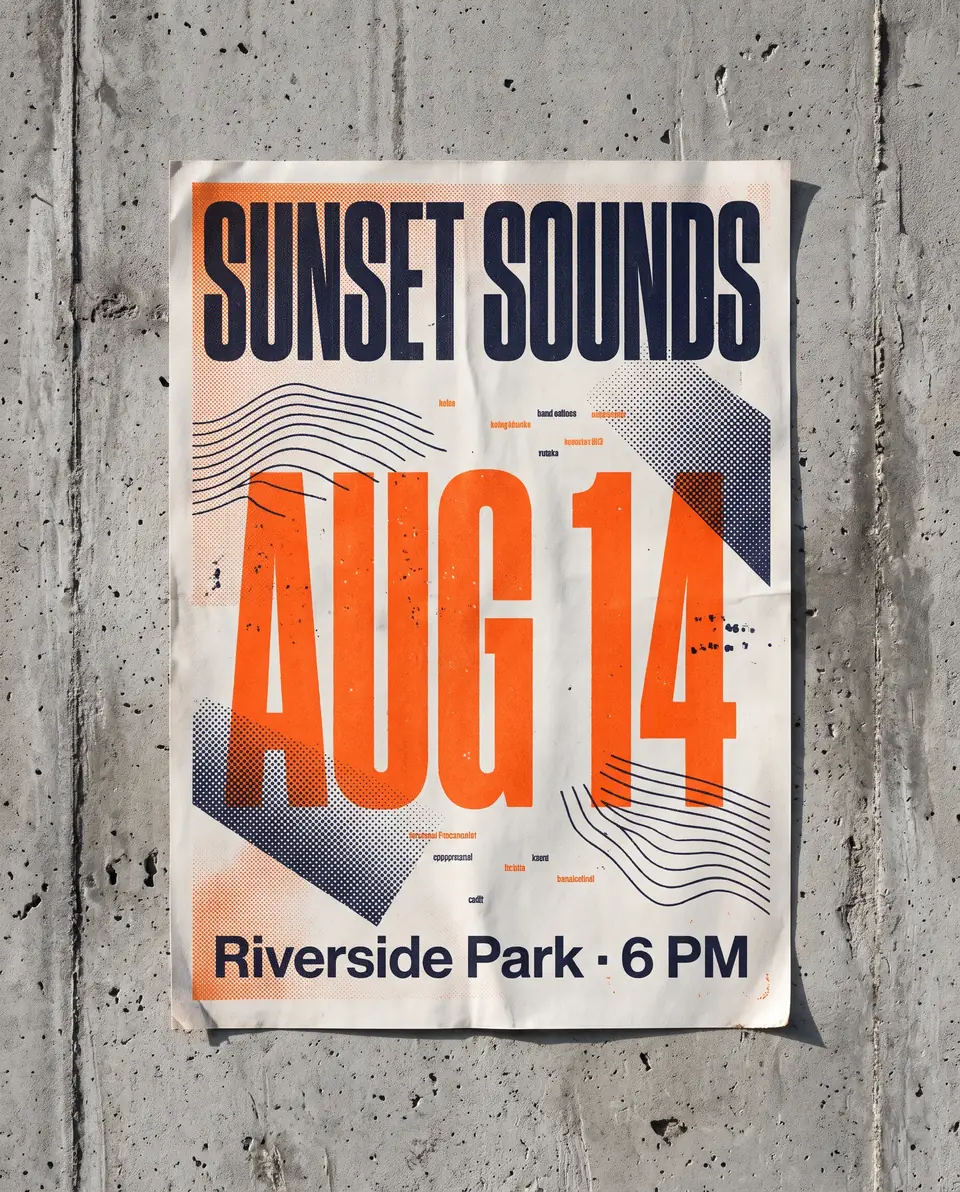
After: "AUG 21"Before: "AUG 14"BeforeAfter
Real output · drag to compare

Posters & flyers

Posters and flyers

One poster design, a new date for every run of the event. Instead of sending the file back to the designer, edit the text on the poster itself and keep the print texture, the ink color and the layout. See more poster text edits, from gig posters to sale flyers.

AUG 14AUG 21
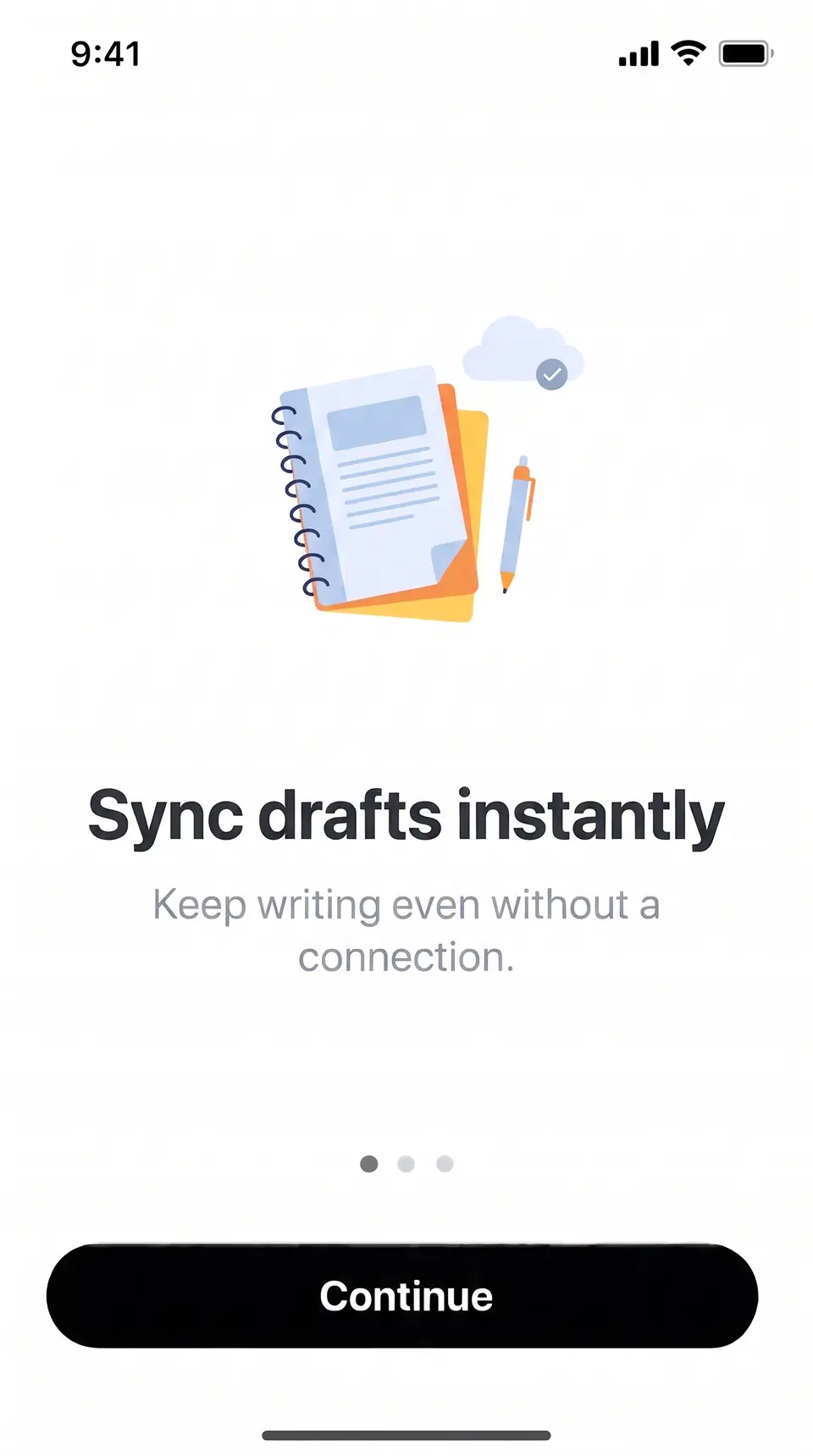
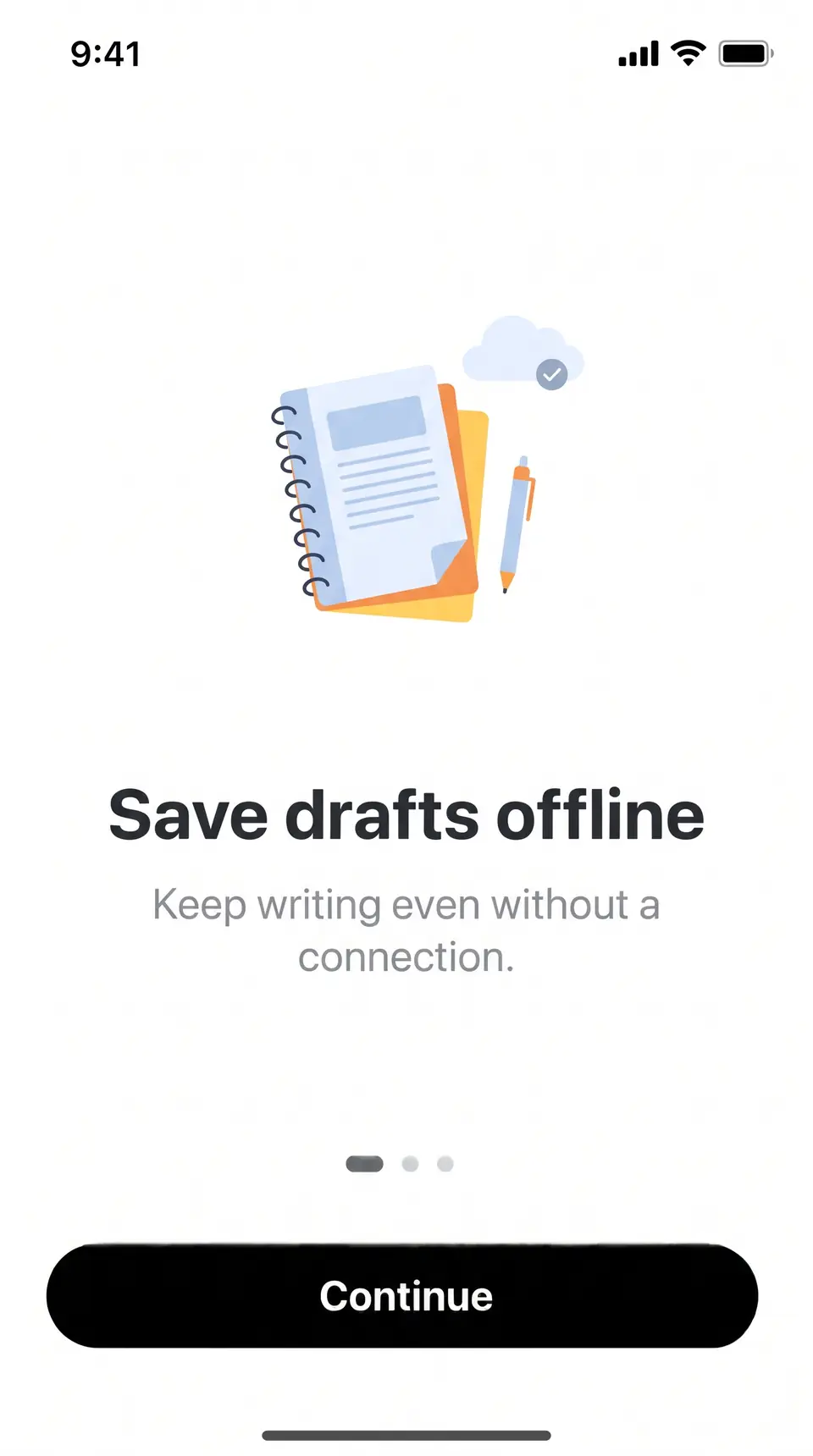
After: "Sync drafts instantly"Before: "Save drafts offline"BeforeAfter
Real output · drag to compare

App screenshots

App screenshots

The headline on an onboarding screen changed after the store screenshots were exported. Edit the text in the screenshot you already have, and the illustration, the status bar and the button stay exactly where they were. Here is how screenshot text edits keep the interface intact.

Save drafts offlineSync drafts instantly
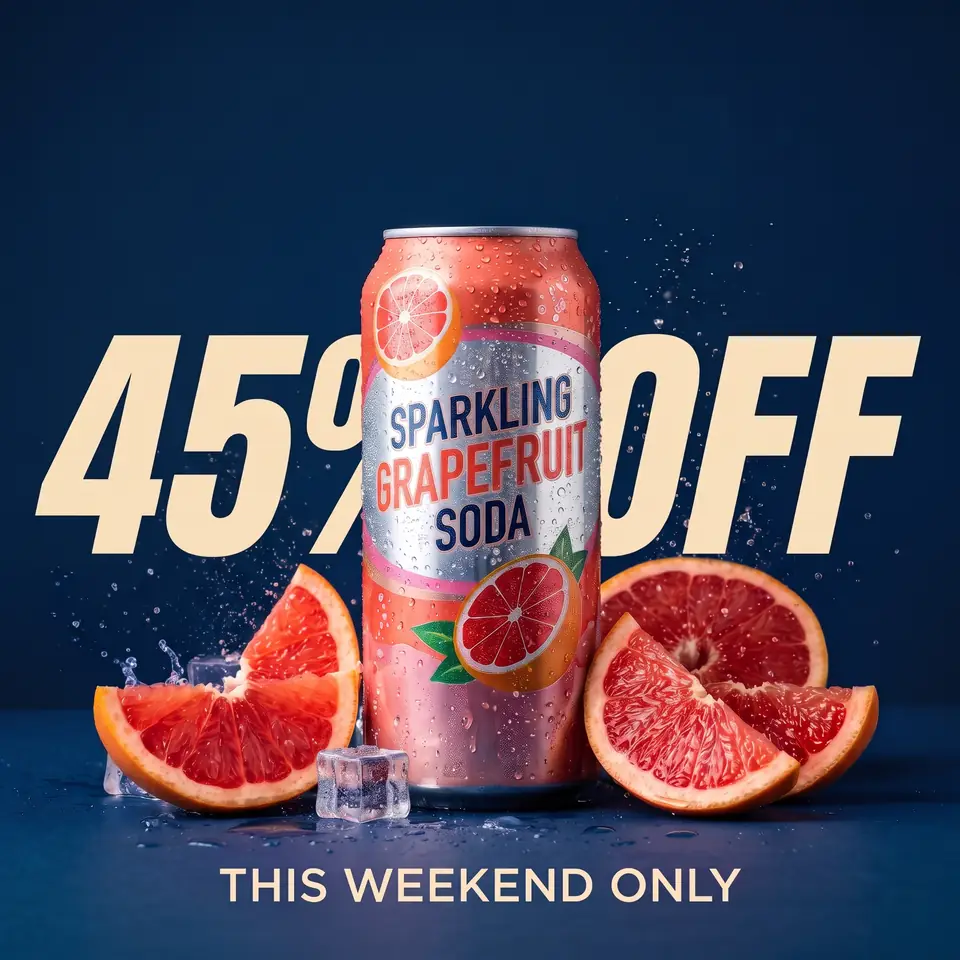
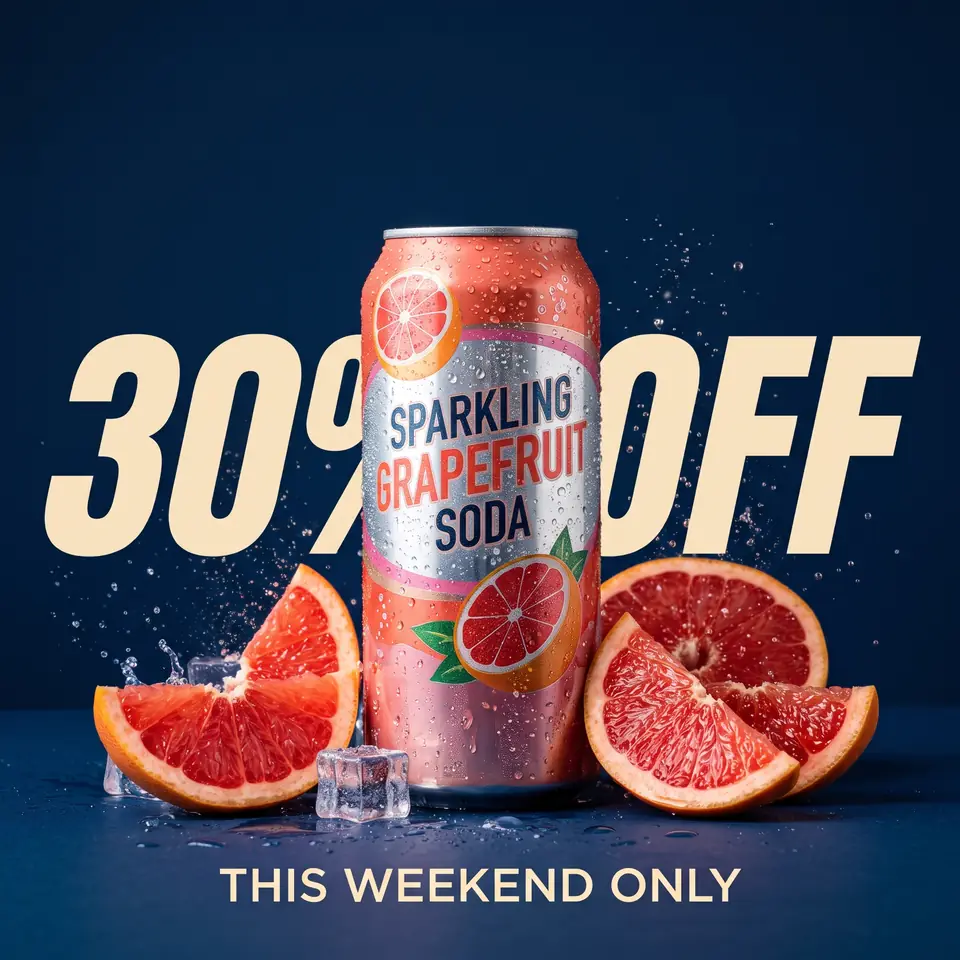
After: "45% OFF"Before: "30% OFF"BeforeAfter
Real output · drag to compare

E-commerce

Product photos

The discount changed, the product photo didn't. Edit the text in the product image instead of booking a reshoot or waiting for a new banner: the can, the condensation and the fruit stay as they were. More product photo examples, from marketplace listings to promo tiles.

30% OFF45% OFF
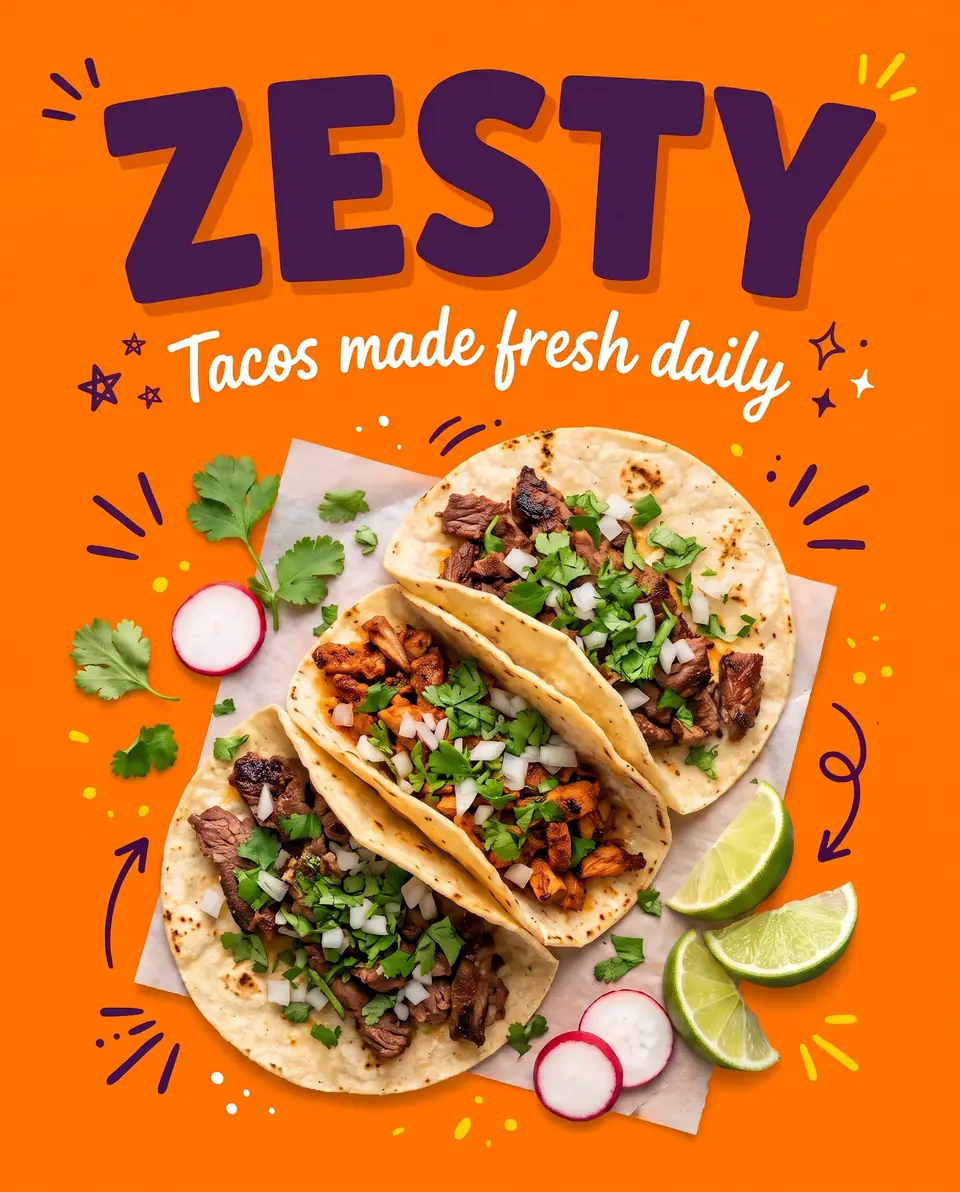
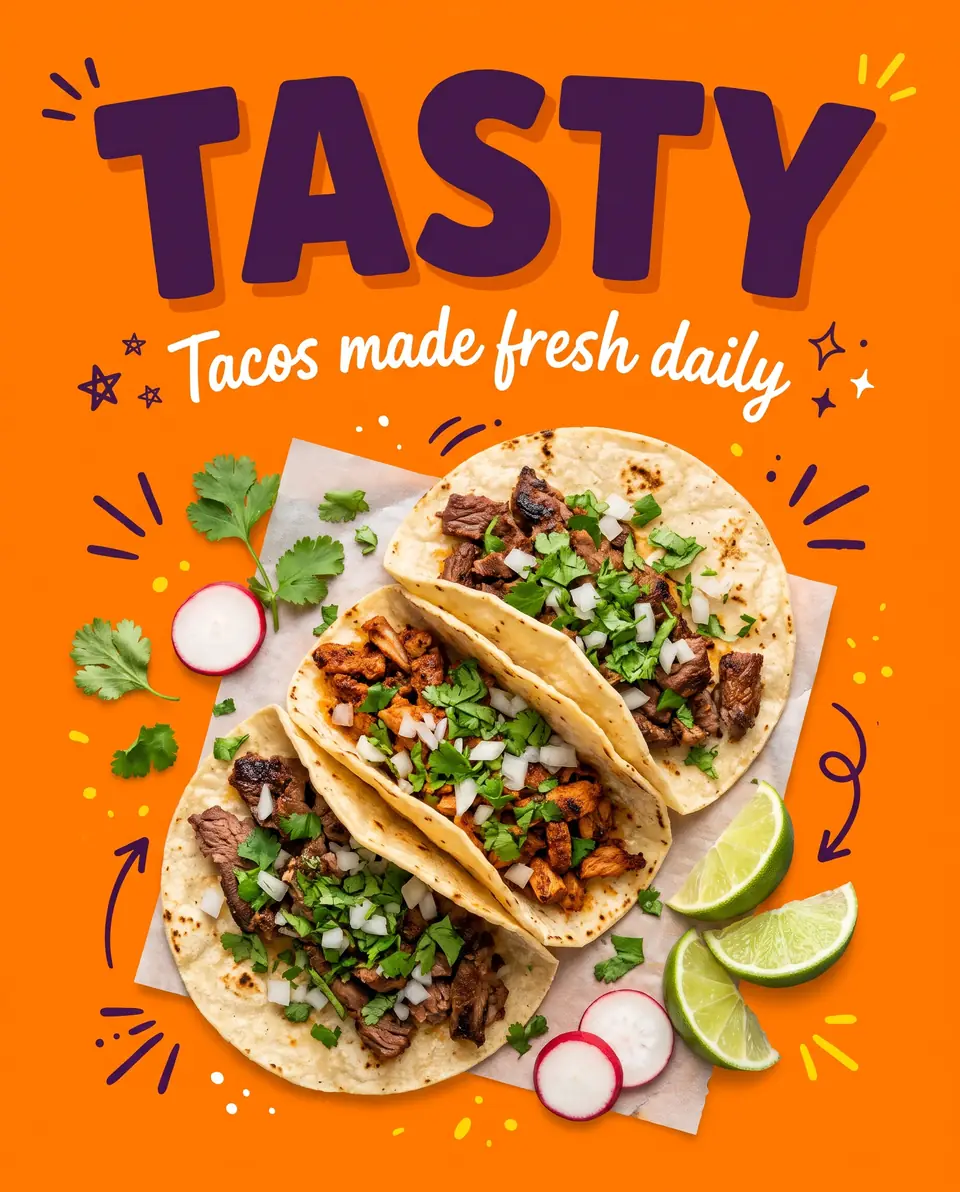
After: "ZESTY"Before: "TASTY"BeforeAfter
Real output · drag to compare

Social ads

Ad creative

Headline tests shouldn't wait on a designer. Edit the headline text in the ad, run both versions and let the click-through rate pick the winner, with the hand-drawn lettering and the layout left alone. See how the AI keeps the same font without the font file.

TASTYZESTY
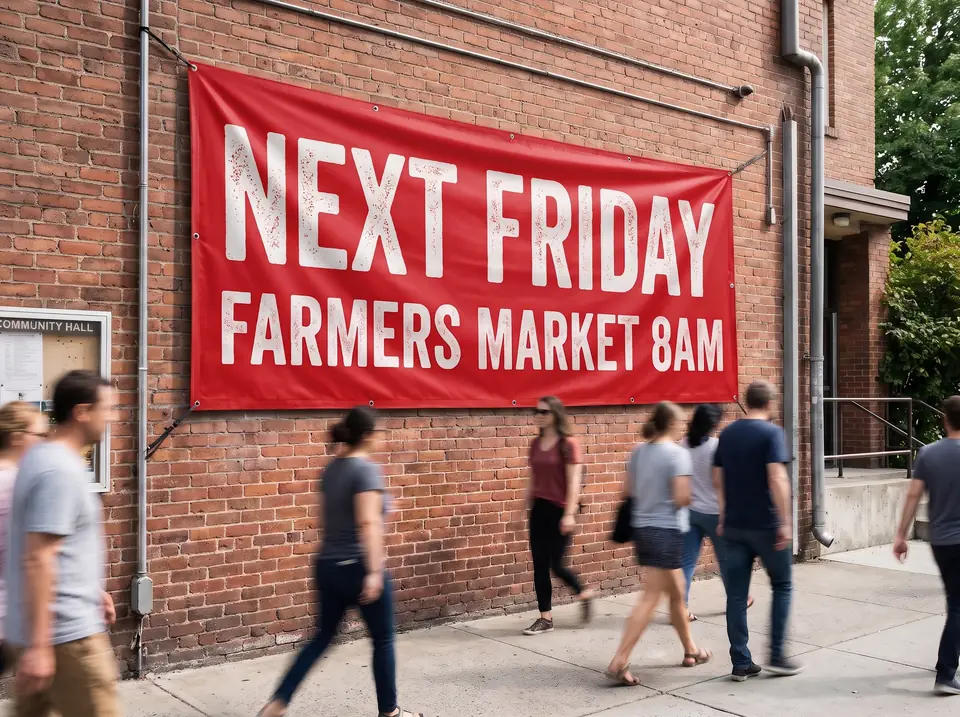
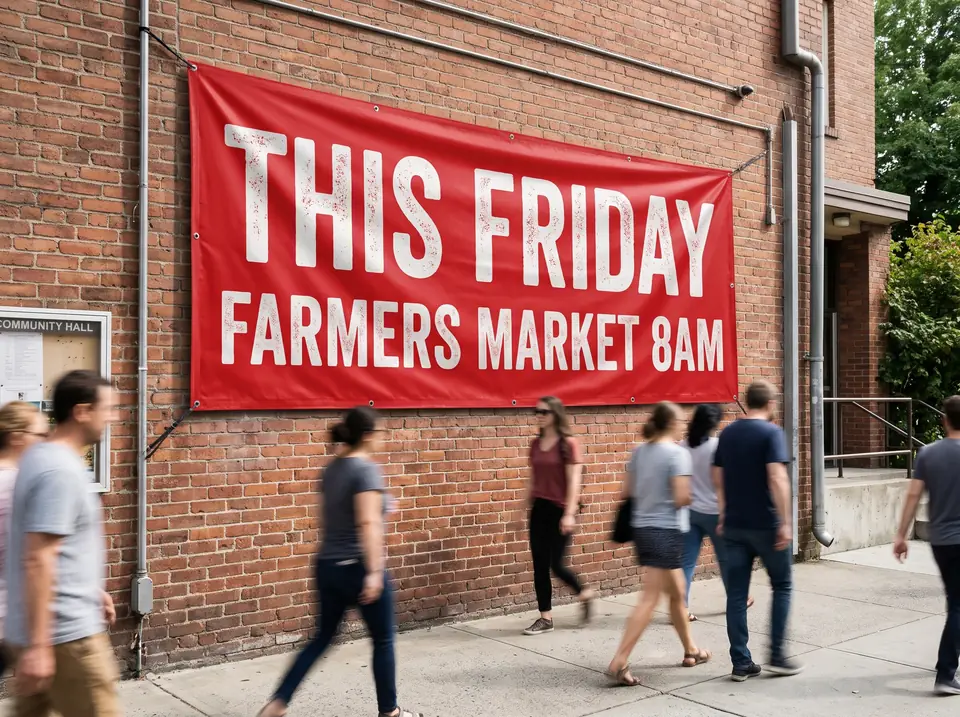
After: "NEXT FRIDAY"Before: "THIS FRIDAY"BeforeAfter
Real output · drag to compare

Events

Reusing event materials

The market moved to next week, but the banner is already hanging and in every photo. Change one word in the photo of the banner and keep the vinyl folds, the brick wall and the daylight. Editing text in a photo covers what works best on real-world shots.

THIS FRIDAYNEXT FRIDAY

Every pair is a real edit by the same AI model the editor uses, shown at reduced size. The original images are our own.

What is TextImageEdit?

TextImageEdit is an online AI image text editor for JPG, PNG and WebP files. Your first edit is free after Google sign-in; additional edits use one-time credits. It lets you edit text in image files without Photoshop or design skills. You upload a poster, menu, product photo or screenshot, type the words that are there and the words that should replace them, and the model redraws only those words in the surrounding font, color, size and perspective. If you have been looking for a way to edit text in image files you no longer have the design source for, this is it: people use it to fix a typo after export, update a price or a date, rename a button in a screenshot, or translate a finished graphic into another language.

Start from the job you have.

Each page below has the editor built in, with real examples and the limits for that kind of image. Longer write-ups live in the guides.

Edit the words, keep the picture.

Most editors make you clone the background, find the font and warp new text into place. TextImageEdit redraws only the words you list.

Only the words change

Backgrounds, faces, products and layouts stay as they were.

Lettering is redrawn, not pasted

Typeface, weight, color, outline and perspective follow the original.

No design file needed

Works on flat exports, screenshots and photos.

How to edit text in an image in 3 steps.

No design skills needed. Most edits are ready in under a minute.

  1. 01

    Upload your image

    A JPG, PNG or WebP up to 10 MB. Use the sharpest copy you have; a free first edit comes with Google sign-in.

  2. 02

    Type the old and new text

    Enter the words exactly as they appear, then what they should say.

  3. 03

    Download the result

    Compare before and after, then download the 2K image.

Simple pricing.
No subscription.

See full pricing

Pro

For regular creators

$26.90one-time

100 credits · 100 edits · $0.27 per edit

Studio

Best value for studios

$39.90one-time

180 credits · 180 edits · $0.22 per edit

When is TextImageEdit not the right tool?

It does one job: edit text in image files that already exist. Outside that job, another tool will serve you better.

Designing a graphic from scratch

TextImageEdit edits text that is already in an image. To lay out new text on a blank canvas, a design tool fits better.

Tiny or pixel-art text

Text only a few pixels tall leaves little room to redraw letters cleanly. Upload the largest version you have and check closely.

A few letters inside a longer word

Type the whole word as it appears and the whole word as it should read, so the AI knows where the change starts and stops.

PDFs and multi-page documents

Uploads are single JPG, PNG or WebP images up to 10 MB. Export the page you need as an image first.

Pixel-exact brand typography

The model redraws lettering, so an exact brand font in a layered file is still best changed in the source design.

Identity and official documents

We refuse IDs, passports, certificates, bank statements, receipts and seals. See the acceptable use rules. Acceptable use

Questions about editing text in images.

Answers to what people ask before their first edit.

Upload your image to TextImageEdit, enter the original text and what it should say, then press Edit text. The AI redraws those words to match the original font, color, size and perspective without Photoshop or layers.

TextImageEdit is at textimageedit.com. Other similarly named sites operate separately; accounts, credits and payments are not shared.

Yes. Sign in with Google and your first edit is free: one credit, once per Google account, rendered at the same 2K quality as paid edits and without a watermark. No credit card is needed to start.

You can edit text in posters, flyers, menus, product photos, screenshots, signs, ads and social graphics in JPG, PNG or WebP format up to 10 MB. Clear, legible text works best; tiny print and heavy scripts are harder.

For a quick edit on a flat image, TextImageEdit redraws the words in one step. In Photoshop, you can instead clone out the old words, find a matching font and position the new text manually.

The AI redraws the new words in the same style as the words they replace: typeface, weight, color, outline and perspective. You don't need to identify or install the font. Very small, blurry or heavily stylised lettering can come out slightly different, so check the result.

No. Credits never expire. Buy a pack once and use the credits whenever you need them, whether that's tomorrow or next year.

If an edit fails, its credit goes back to your balance automatically. If an edit completes but isn't quite right, run it again with the original text typed exactly as it appears, or split a long change into shorter lines.

Yes, as long as you own the original image or are allowed to edit it. You can use the edited images in ads, product listings, websites and print.

Don't upload work you don't own or have rights to, government IDs, passports, certificates, official or stamped documents, bank statements, receipts, currency, or edits meant to deceive, such as fake quotes or altered chat screenshots. See the Acceptable Use rules for the full list.

Ready to edit the text in your image?

Upload an image, type the new text, download the result. Your first edit is free.