A Canva alternative for text editing. Change the words. No subscription.
Try one of these image text edits
1 free credit on sign-upJPG, PNG or WebP up to 10 MBFree credit: 1K · Paid credits: 2K
QUICK ANSWER
Quick answer
TextImageEdit is a Canva alternative for text editing: change headlines, dates and offers directly in a finished JPG, PNG or WebP. Upload the image, enter the old and new words, and let AI use the existing lettering as its style reference—no font file needed. Start with one free 1K edit; 40 paid 2K edits cost $14.90 USD as a one-time purchase, before applicable taxes. Use Canva for ongoing layout work; use TextImageEdit when the design is finished and the wording needs an update.
Three ways to use this Canva alternative.
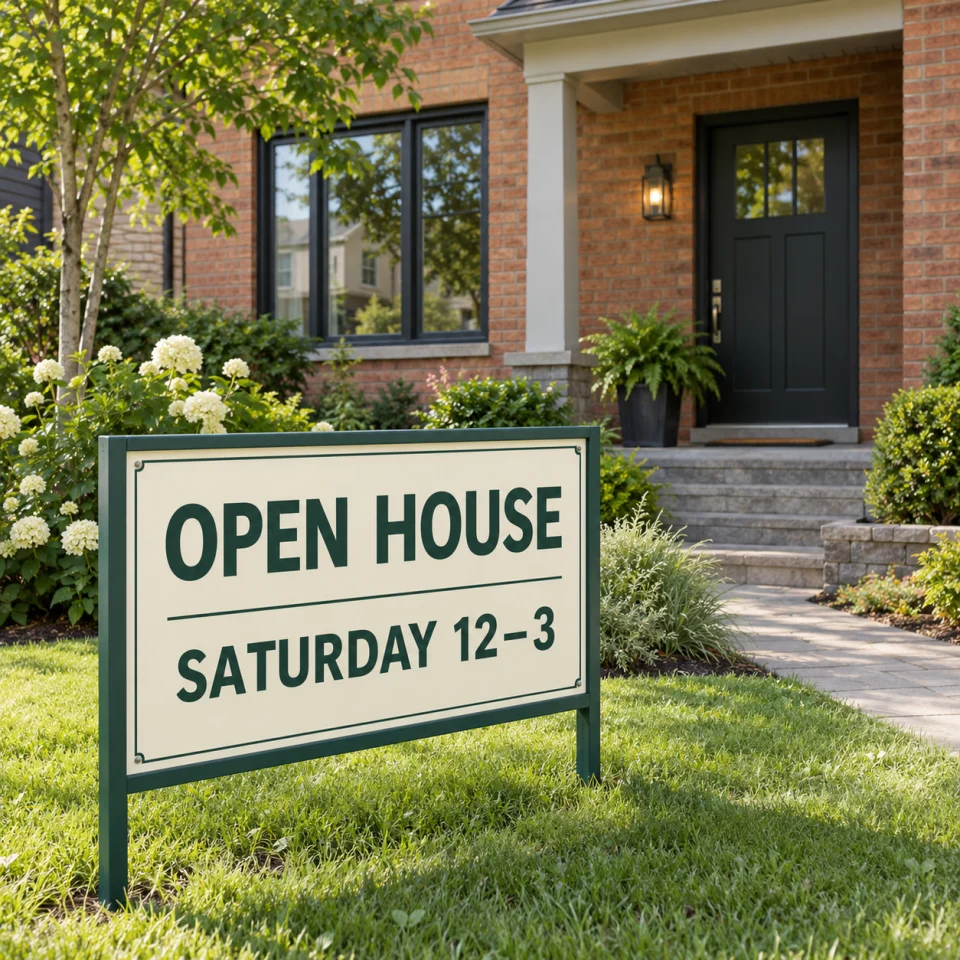
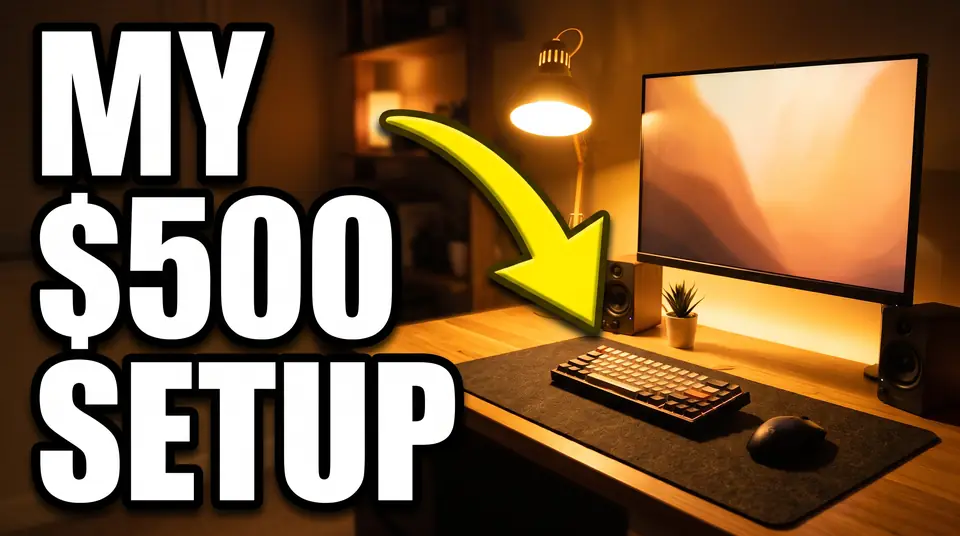
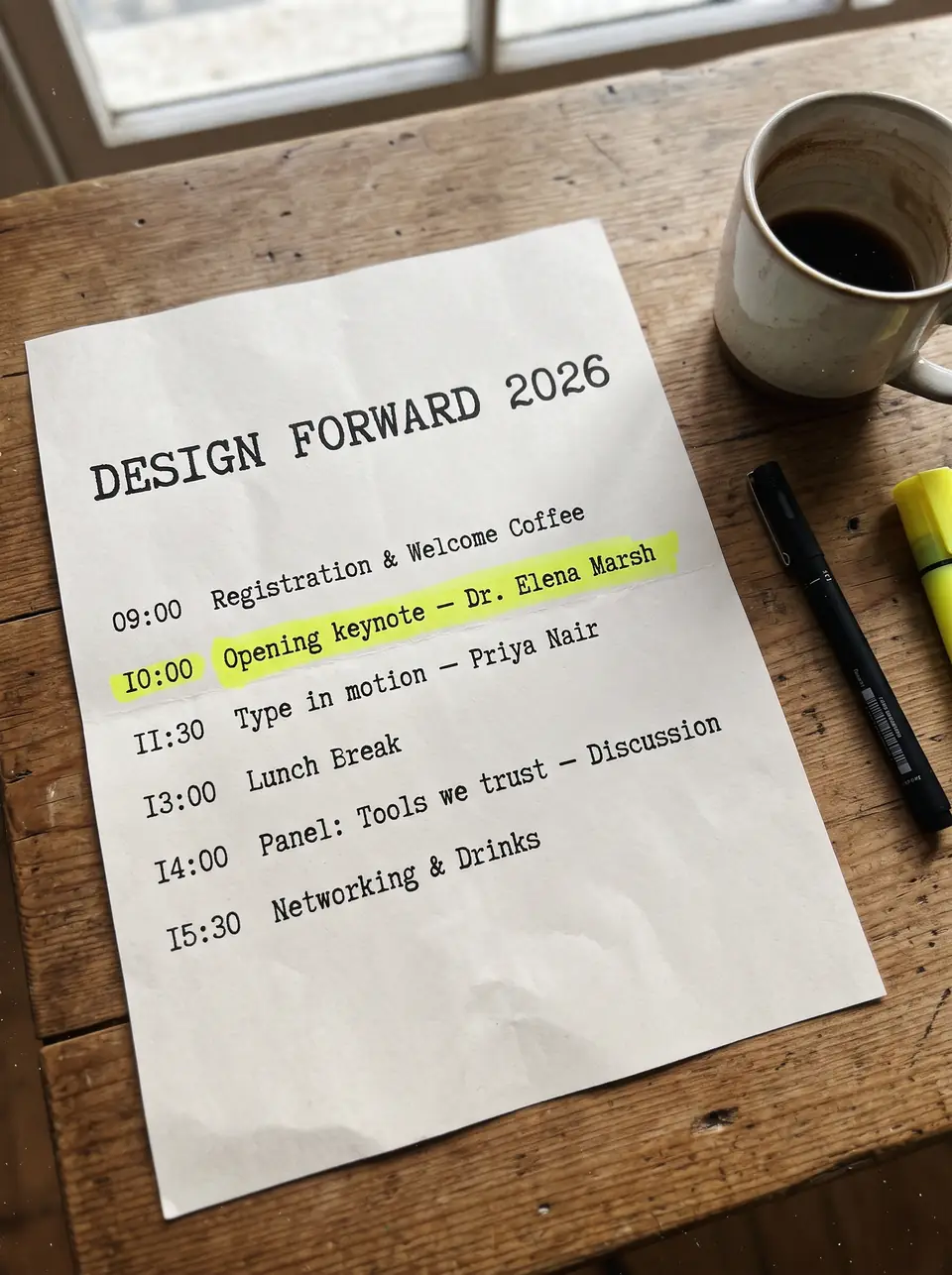
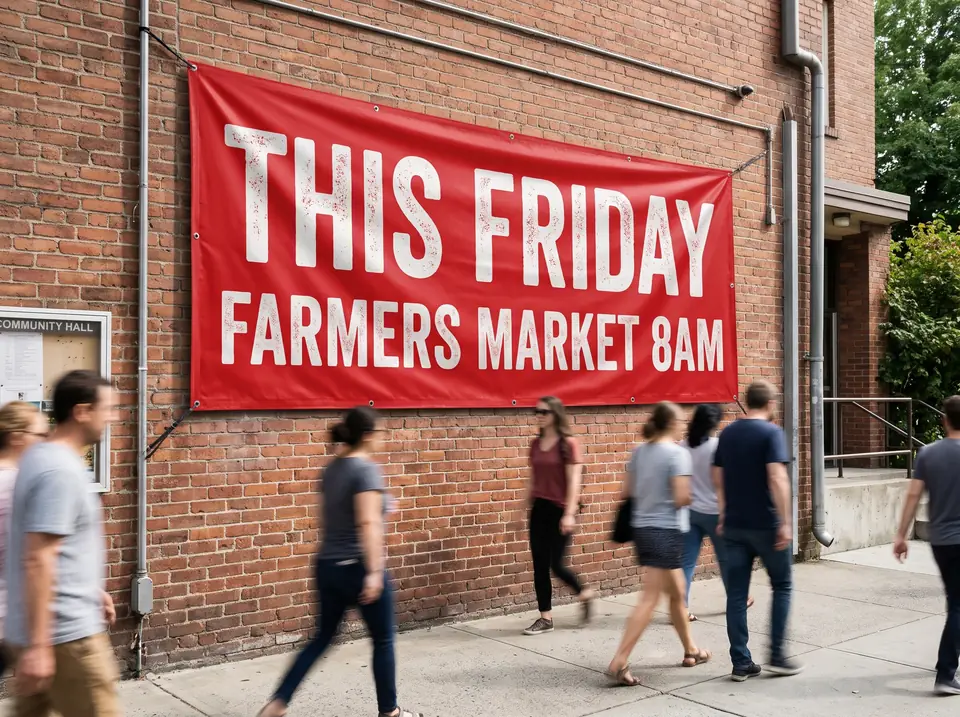
Update a finished social graphic, revise a poster or change photographed lettering—starting with the image you already have.
These are our own demonstration images and saved AI edits. They are not results from Canva. Review your own output.
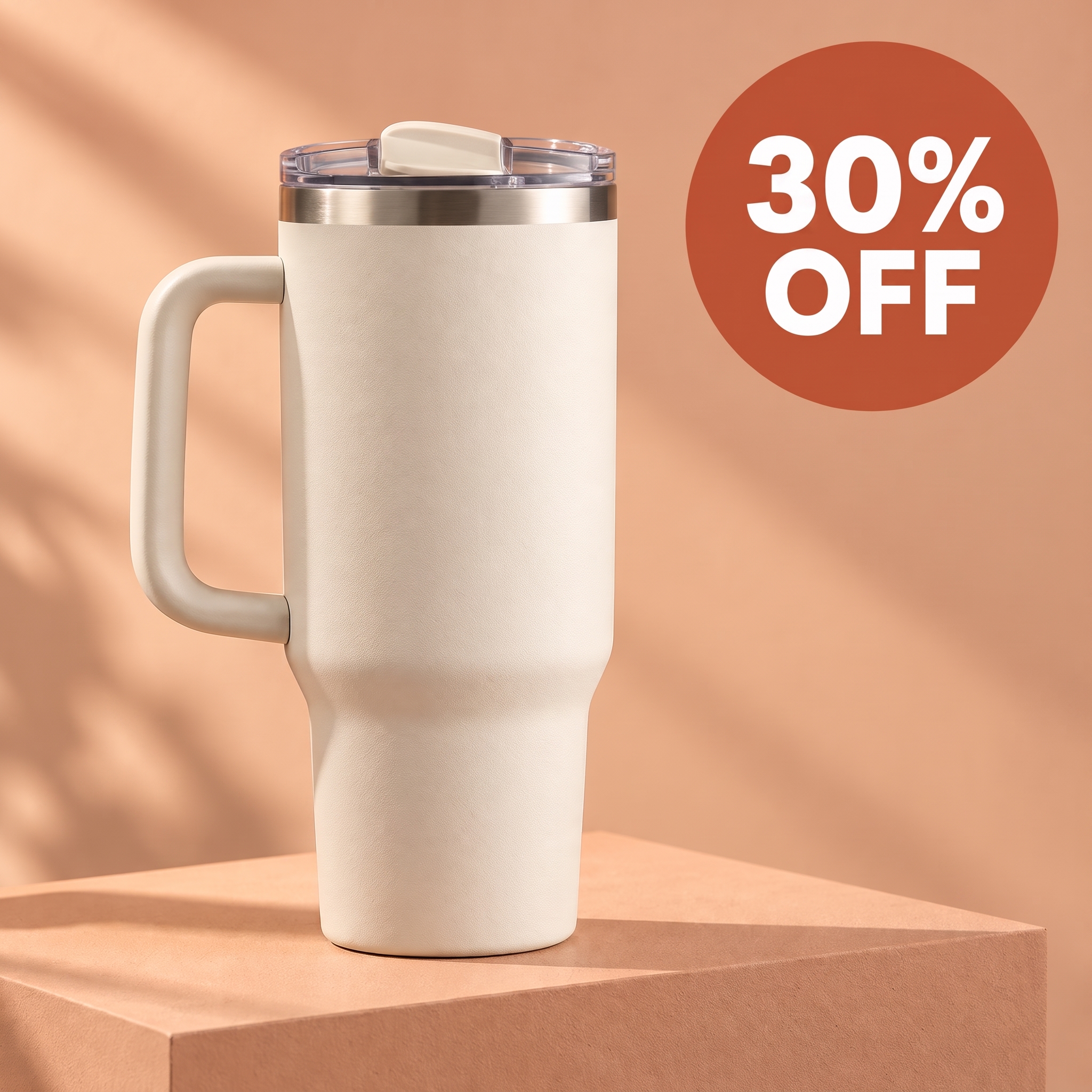
A fictional tumbler campaign needs a revised discount. This saved 2K application result changes 20% OFF to 30% OFF. A dedicated replacement suits a bounded offer update; an editable design is more useful if the badge, product placement and whole campaign layout also need revision. Check the digits, smaller copy and product details, and make sure the offer matches your store before publishing.
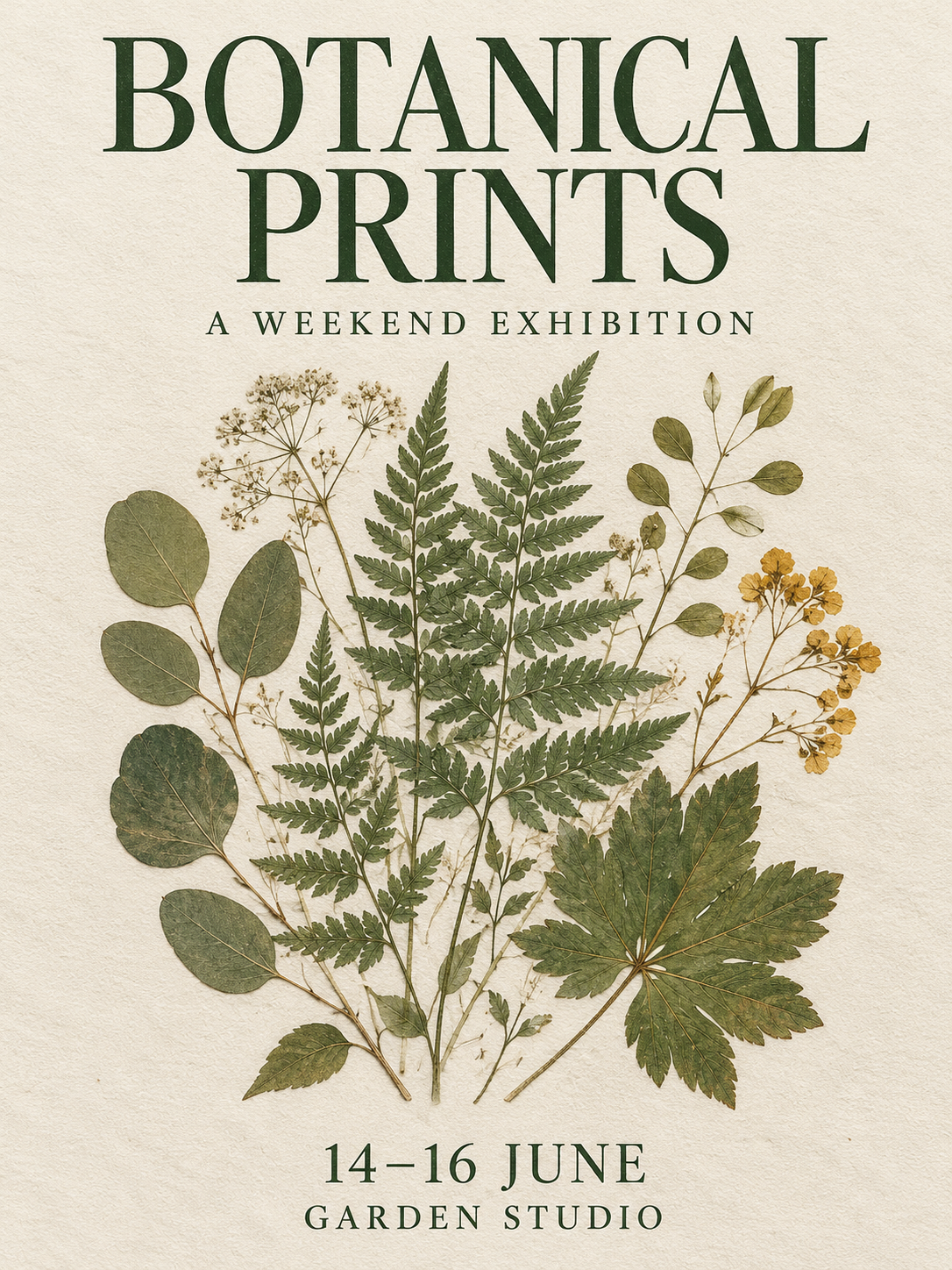
The poster artwork is finished, but its headline needs new wording. This saved 2K edit replaces BOTANICAL PRINTS with WILD GARDENS. If you still have the editable poster, change its text layer first. With only a flattened export, compare the replacement's line length, letter spacing and surrounding illustrations. Check the actual download dimensions before sending it to print.
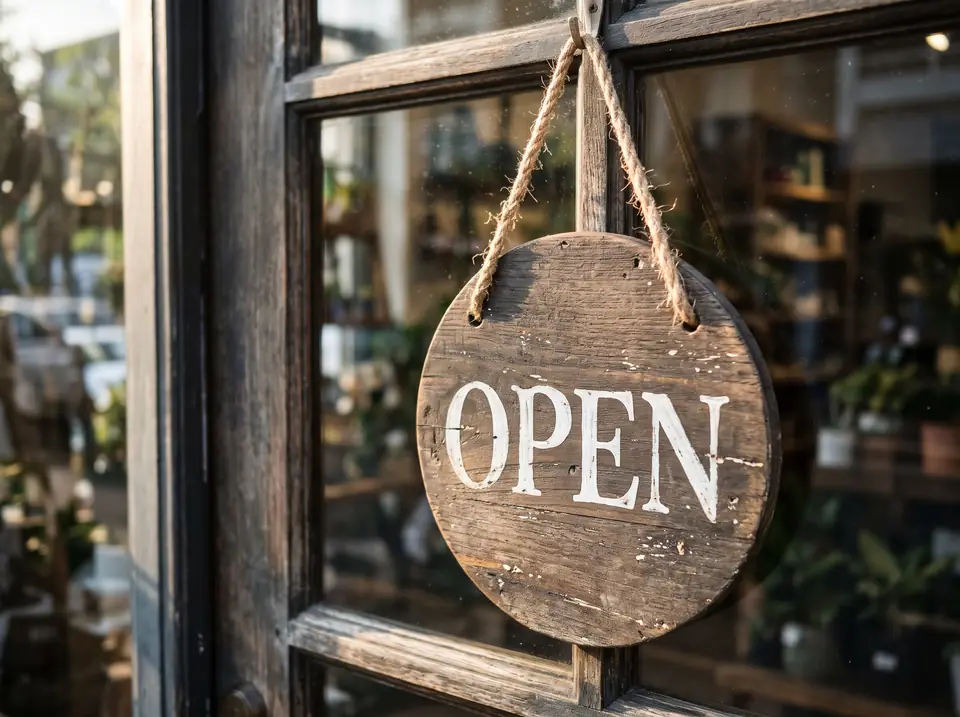
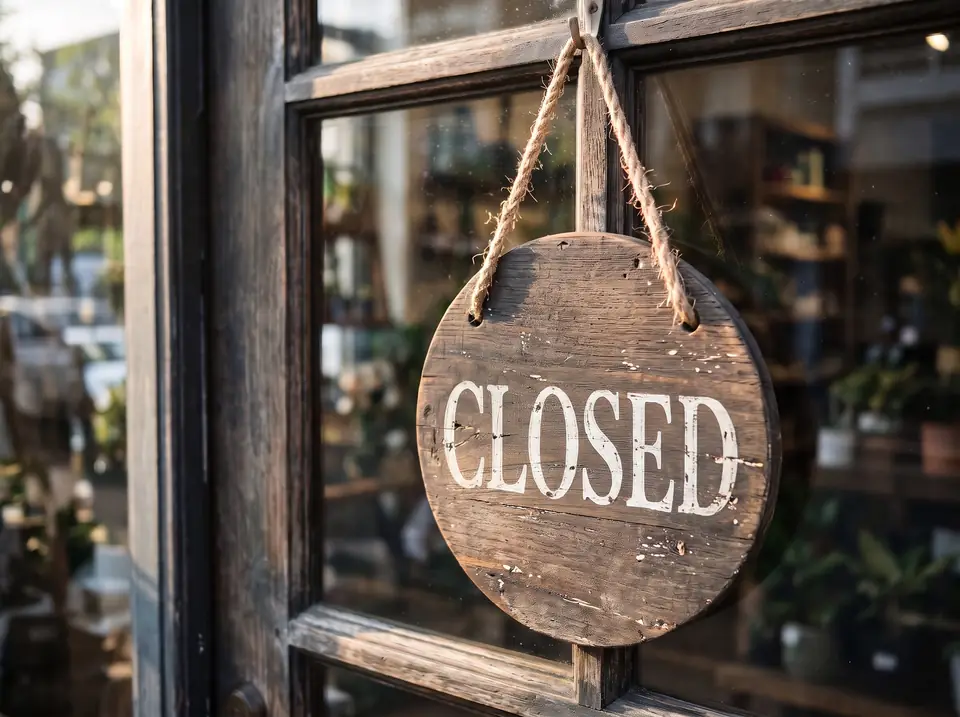
This earlier saved demonstration changes OPEN to CLOSED on a fictional wooden shop sign. The surface, reflections and painted strokes make the task different from typing a flat caption. Inspect how the new letters sit on the wood and check the rest of the photograph. Use a real current photo or approved artwork when the physical sign itself must be documented accurately.
OPEN→CLOSED
TextImageEdit vs Canva: features and pricing
TextImageEdit is an independent product and is not affiliated with or endorsed by Canva. This comparison describes documented workflows and our own demonstration edits; it is not a head-to-head performance benchmark. Competitor documentation reviewed 2026-10-31.
Scroll sideways to compare all columns.
TextImageEdit and Canva: documented workflow comparison
Feature
TextImageEdit
Canva
Subscription
No subscription. Buy credits once; they never expire.
Canva Free is available. Pro and other paid plans renew on a billing cycle. Source ↗
Paid option (USD)
$14.90 for 40 credits, one-time — about $0.37 per 2K edit.
Pro: US$144/year per person on the US annual pricing page. Monthly and regional offers differ; taxes may apply. Source ↗
Generation time
Product estimate: 30–60 seconds. Seven saved server jobs took 46–122 seconds; this is not a guaranteed duration. Test record ↗
Text extraction plus any cleanup and manual adjustments; time varies with the task. Source ↗
Starting file
JPG, PNG or WebP, up to 10 MB; no editable design required.
Grab Text works with text inside uploaded images in supported Canva designs. Source ↗
Editing approach
Enter original and replacement wording; receive a generated image.
Recognized lettering becomes editable text boxes within a design. Source ↗
Manual design controls
Image-based replacement; no reusable text layer or font picker.
Design tools allow further text and layout adjustments. Source ↗
Font and surface review
Uses visible lettering as a reference; inspect shape, spacing and background changes.
Grab Text has recognition and matching limits, especially for skewed lettering. Source ↗
Free edit and output
1 free verified-account credit at 1K. Purchased credits generate at 2K. No added watermark.
Free and paid plans; feature eligibility and AI allowances depend on the plan. Source ↗
What to keep
Keep the original and downloaded image; inspect the actual file size and format.
Keep the editable design for later revisions and export a delivery copy. Source ↗
Use TextImageEdit when the finished image needs new words
Start with the file you have and the work that remains. A finished image can be enough for a small wording update. A reusable campaign, several layouts or a brand system benefits from editable objects and an ongoing design project.
If you already have access to the original design, changing its actual text is a controlled first choice. If you have only an export, decide whether you need to reconstruct editable text or simply produce a reviewed replacement image. Those are different deliverables.
Use Canva when you need a reusable design
Keep working in Canva when you have an editable project or need broader layout revisions. A reusable campaign, several independent text elements or a presentation benefits from retaining the design and its controls. Check Grab Text eligibility if you are starting from an uploaded image.
For a longer headline, check wrapping and readability instead of assuming the model will redesign the composition. Exact branded typography, reusable layouts and print masters may call for the editable source and a manual design workflow.
How to replace text in your image
Upload one clear JPG, PNG or WebP image up to 10 MB, or choose a sample.
Enter the existing phrase and the replacement, with intentional capitalization and punctuation.
Generate, use Show original to compare, then download and inspect the file before publishing.
The practical trade-off: control, review and cost
A single image-text request uses one TextImageEdit credit. Translation uses one credit for each selected language. A completed result that you submit for another edit is another request; failed generations return their credits.
Compare our one-time packs below with the tools and allowances you already have. An existing Canva plan may cover other work you still need. Check the current plan and account allowance rather than assuming that every occasional edit requires a new subscription.
One-time credit packs (USD)
Starter $14.90 · 40 credits
Pro $26.90 · 100 credits
Studio $39.90 · 180 credits
The free credit uses 1K; purchased credits use 2K. Applicable taxes are shown at checkout.See pricing and details →
Is TextImageEdit a Canva alternative for every design task?+
It is an alternative for replacing existing text in finished images. For a new layout, reusable text boxes, presentations or a wider design workflow, use a design editor. Choose according to the output you need.
Can Canva edit words in an uploaded photo?+
Yes. Canva offers Grab Text for recognized lettering in supported designs. Its availability and limitations are documented by Canva. The practical choice is whether you want editable design elements or an image-based replacement.
Can I edit an image exported from Canva?+
Yes. Upload a PNG, JPG or WebP up to 10 MB that you are allowed to edit. Export a supported image first if you only have a PDF. The download is an image, not a restored Canva project.
Do I need my original font or brand-kit file?+
TextImageEdit uses the letters visible in your image as its reference, so you do not upload a font file. Review the result for a visual match. This does not recover the exact font, create editable type or grant permission to use someone else's artwork.
Can I move and resize individual text boxes?+
This editor produces a replacement image rather than individual text boxes. If you need precise positioning, multiple independent revisions or reusable text layers, choose an editable design workflow.
Is there a free edit without a watermark?+
A verified account receives one free credit for a 1K edit, with a downloadable result and no added watermark. Purchased credits use 2K. The free credit is a one-time allowance, not a daily quota.
Which is cheaper for occasional text edits?+
The Starter pack costs $14.90 USD once for 40 credits, about $0.37 per one-credit edit before tax. You do not need a subscription. Compare that with the Canva tools and allowances you already have, including any revisions you need.
How long does an image text edit take?+
The editor estimates 30–60 seconds for generation. Uploading, entering the wording and reviewing the result add to the full workflow time. Seven saved server jobs took 46–122 seconds, including queuing, processing and result storage. Check the current job before starting another request.
Does changing a headline keep every other pixel identical?+
No pixel-identical guarantee is made. Compare the full output, including nearby text, objects and background details. For controlled advertising tests or exact brand assets, review visual differences before attributing an outcome only to the new wording.
Can I use the result for a poster or social post?+
Yes, after checking the content, actual dimensions and destination requirements. A 2K setting does not automatically satisfy a print specification. Confirm dates, offers and permissions, and keep the original file.
What should I do with confidential images?+
Only upload images you are permitted to share with an online service. Remove sensitive information first or use an approved local workflow. Read the relevant privacy policies; do not assume different tools process or retain files in the same way.
Canva plans — Check the current plan and market before comparing costs.
Canva AI usage — Plan-dependent AI access and allowances.
Compare with an AI assistant
What should I compare in a Canva alternative for replacing existing text in an image, including editable layers, font controls, plan limits, downloads and privacy?
Read this page as context: https://textimageedit.com/canva-alternative
If you cannot access the page, say so rather than guessing its content.
The question includes this page's link. If it is not filled in, copy and paste it.
 TextImageEdit